Setting Up a Wyoming ELS Account
Applying for hunting licenses in Wyoming can feel like navigating a maze, especially when it comes to the online systems. Many hunters, both seasoned veterans and excited newcomers, find themselves staring at a screen wondering where to even begin with the Wyoming Game and Fish Department’s (WGFD) Electronic Licensing System, or ELS. This guide is here to walk you through the often-confusing process of setting up your ELS account, ensuring you're ready for application season without the usual headaches.
Why Your Wyoming ELS Account is Your Hunting Gateway
The ELS isn't just a basic login portal; it's the central nervous system for your hunting life in Wyoming. From applying for those coveted limited-quota tags to purchasing general licenses and tracking your preference points, everything flows through this system. Understanding its importance and how to use it correctly is the first step toward a successful hunt in the Cowboy State.
More Than Just a Login: What the ELS Does
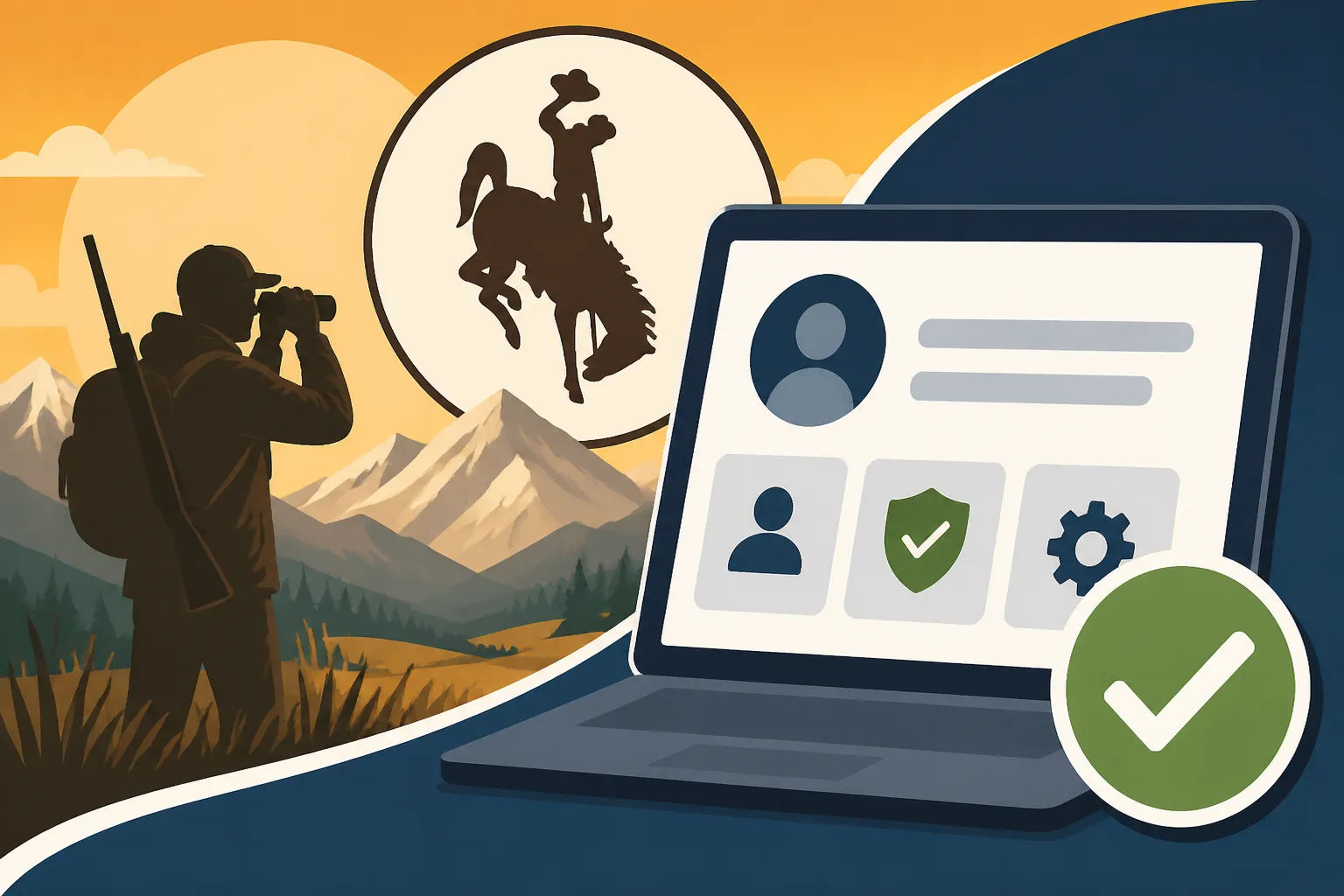
Think of the ELS as your personal hunter's dashboard. It's where you'll submit all your applications for the big game draw, whether you're after mule deer, elk, or antelope. This system tracks your precious preference points, which, as many western hunters know, can be the key to drawing a good tag. You'll purchase your conservation stamp, general season licenses, and even fishing licenses here. When the draw results drop, this is where you'll find out if you were successful. It centralizes everything, which, while convenient in theory, can be a little intimidating if you're not used to it. The system also manages your contact information, so making sure it's accurate is crucial for receiving important notifications about draws or even When Wyoming Draw Results Post, Species by Species.
Common Hurdles for New and Returning Hunters
Let's be honest, technology can be a beast, and online government portals often add an extra layer of complexity. New hunters frequently struggle with creating an account from scratch, not knowing what information is needed or how to link their hunter education certification. It's common for folks to wonder, "Do I need a special ID number?" or "Where do I even find my hunter ed card details?" Returning hunters aren't immune to issues either. Forgotten passwords are a rite of passage, and sometimes the system might not immediately recognize an old account or connect past preference points if certain details don't align perfectly. It’s enough to make you want to go back to paper applications, but don't worry, we'll demystify it all.
Step-by-Step Guide to Creating Your ELS Account
Setting up your ELS account doesn't have to be a frustrating ordeal. By taking it one step at a time and having all your information ready, you can streamline the process. It's like preparing for opening day – the more you plan ahead, the smoother it goes.
Gathering Your Information Before You Begin
Before you even open your web browser to the Wyoming Game and Fish website, take a few minutes to gather all the necessary documents and information. This pre-work is vital and will save you a lot of back-and-forth later. You'll need:
- Personal Identification: Your full legal name, date of birth, and Social Security Number (SSN). The SSN is required by federal law for states to collect when issuing hunting licenses to ensure compliance with child support enforcement.
- Contact Information: Your current mailing address, email address, and phone number. Make sure these are up-to-date, as the WGFD will use them for all official communications.
- Hunter Education Certification: If you were born after January 1, 1966, you'll need proof of hunter education. This includes your hunter education certificate number and the state/province where it was issued. Even if you've hunted in Wyoming before, it's good to have this handy. If you’re unsure, remember that Anyone Born After 1965 Needs Wyoming Hunter Education.
- Previous Wyoming Game & Fish ID (if applicable): If you've ever purchased a license or applied for a draw in Wyoming before, you might have a WGFD ID. Having this on hand can help link your new account to any existing records, including accumulated preference points.
- Payment Method: A valid credit or debit card for any application fees or license purchases. You won't need it to create the account, but you will almost immediately afterward for applications or preference point purchases.
- GoHunt Explorer (Optional, but Recommended): While not required for ELS setup, if you use a service like GoHunt Explorer, having your existing account details or a plan to integrate it later can be helpful for cross-referencing information and planning your applications, especially when Checking Draw Odds Before You Apply.
Here’s a quick checklist to help you organize:
| Information Needed | Why You Need It | Ready? |
|---|---|---|
| Full Legal Name | Account identification | [ ] |
| Date of Birth | Age verification, draw eligibility | [ ] |
| Social Security Number (SSN) | Federal requirement for license issuance | [ ] |
| Current Mailing Address | Official correspondence | [ ] |
| Email Address | Account verification, notifications | [ ] |
| Phone Number | Alternative contact method | [ ] |
| Hunter Education Cert. Number | Legal requirement (if born after 1965) | [ ] |
| State/Province of Cert. | Hunter Education record verification | [ ] |
| Previous WGFD ID (if any) | Link existing records, preference points | [ ] |
| Payment Method (for later) | Applications, preference points, license purchases | [ ] |
Navigating the Wyoming Game and Fish Website
Once you have your information ready, it’s time to head over to the official Wyoming Game and Fish Department website. Don't go searching for "Wyoming ELS login" directly, as that might lead you to outdated or incorrect links. The safest bet is to go to the main WGFD site (wgfd.wyo.gov) and look for a prominent link related to "Licenses" or "Apply for Licenses."
Typically, you'll find a "Login" or "My Account" button. If you've never created an account, there will usually be an option labeled "Create Account" or "New User Registration." Click on that to begin the journey. The exact phrasing might change slightly with website updates, but the general pathway remains consistent. Remember, patience is key here. If the site feels a little slow, it's usually just due to traffic, especially as deadlines like The Wyoming Nonresident Elk Application Deadline approach.
The Account Creation Form: Field by Field Breakdown
Now for the nitty-gritty: filling out the actual registration form. This is where those gathered documents come into play. Go slowly and double-check every entry. A small typo here can lead to big headaches later, potentially even affecting your ability to apply for a tag or retrieve your preference points.
- Personal Information: You'll be asked for your legal name, exactly as it appears on your driver's license or other official ID. Your date of birth is next, followed by your Social Security Number. Again, this is a federally mandated field, so don't be alarmed by it.
- Contact Details: Enter your current street address, city, state, and zip code. Provide an email address that you check regularly, as this is where account activation links and important communications will be sent. Add your phone number, including area code.
- Hunter Education: This is a crucial section. Select the state or province where you completed your hunter education course. Then, carefully enter your certificate number. If you completed your hunter education in Wyoming, the system might automatically pull up your record once you enter your name and birthdate, but it's always good to have the number to confirm. If you're unsure if Does Hunter Education Include a Field Day? applies to you, simply check your certificate details.
- Security Information: You'll need to create a username and a strong password. Choose something memorable but secure, combining letters, numbers, and symbols. You'll also be prompted to select security questions and provide answers. These are essential for recovering your account if you forget your password down the line.
- Review and Submit: Before clicking "submit," take a moment to review all the information you've entered. It's much easier to correct errors now than after the account has been created. Ensure your name matches your ID, your birthdate is correct, and your hunter education details are precise. This is the last chance to catch those small mistakes that could hinder future applications.
Verifying and Activating Your Account
After you submit the registration form, the WGFD ELS will send a verification email to the address you provided. This step is vital for activating your account.
- Check Your Email: Head over to your email inbox. Look for an email from "Wyoming Game & Fish Department" or a similar sender. It might land in your spam or junk folder, so check there if you don't see it immediately.
- Click the Activation Link: Inside the email, you'll find a link to activate your new ELS account. Click this link. It will usually redirect you back to the WGFD website, confirming that your account is now active and ready for use.
- First Login: Once activated, you can log in using the username and password you created. Take a moment to familiarize yourself with the dashboard. You should see options for applying for licenses, checking application statuses, and managing your profile. This is also where you will eventually go to How to Check Your Wyoming Draw Results Online once the application periods close.
Tips for a Smooth Application Season with Your New ELS Account
Getting your ELS account set up is a fantastic first step, but a little ongoing management and strategic thinking can make your entire Wyoming hunting experience much smoother.
Linking Existing Data and Hunter Education Records
For those who've hunted Wyoming before but are new to the ELS, or perhaps had an old account that got lost in the ether, linking your past data is crucial. When you create your new account, the system attempts to match your information (name, date of birth, SSN) to any existing records. If you had a WGFD ID from previous years, enter it during registration. If for any reason your preference points or past license history don't appear after your initial login, don't panic. Contact the Wyoming Game and Fish Department directly. They have staff dedicated to helping hunters reconcile their records. It's far better to sort this out before applying for tags, especially if you're counting on those hard-earned preference points to help you in the Wyoming's 75/25 Draw Split Explained. Make sure you have your hunter education card accessible, as you may be asked to Proving Your Hunter Education Out in the Field if there's any discrepancy.
Keeping Your Account Secure and Up-to-Date
Your ELS account holds sensitive personal information and is your portal to potentially drawing a coveted tag. Treat it with the same care you would your banking account.
- Strong, Unique Password: Never reuse passwords across different online services. Use a complex password with a mix of uppercase and lowercase letters, numbers, and symbols.
- Regular Updates: If you move, change your email address, or get a new phone number, update your ELS profile immediately. Missing an important email about a draw result or a tag being issued could be devastating.
- Review Personal Details Annually: Before each application season, log into your ELS account and quickly review all your personal information. Confirm your hunter education is still correctly recorded and that all contact details are current. This quick check can prevent major headaches later.
Leveraging ELS for Draw Odds and Application Strategy
Once your ELS account is active, you're not just ready to apply; you're also equipped to make informed decisions about your applications. While the ELS itself doesn't typically provide detailed draw odds analysis, it is the platform where you'll submit applications informed by such data.
Tools like GoHunt Explorer integrate seamlessly with state game and fish data, helping you understand How Many Points It Takes to Draw Wyoming Elk or Wyoming Antelope Odds With Zero Preference Points. You can use these resources to strategize which units to apply for, considering your preference point totals and desired species. After using GoHunt to narrow down your choices, you'll then return to your ELS account to actually submit your applications during Wyoming's Four Application Deadlines, February Through June. The ELS also allows you to track How Wyoming Preference Points Accumulate Year to Year, giving you a clear picture of your progress toward those dream tags. Combining your ELS account with strategic research from resources like GoHunt and the WGFD's own The Wyoming Hunt Planner ensures you're not just applying, but applying smart.
Disclaimer
The information provided in this guide is for general informational purposes only and does not constitute legal advice. Hunting regulations and online system functionalities can change. Always consult the official Wyoming Game and Fish Department website and current year's regulations for the most accurate and up-to-date information before applying for any licenses or participating in hunting activities.